

Free Printable Wedding Photo QR Code Signs
Free printable wedding photo-sharing signs, plus how big to print a QR code, where to put signs, and how to make sure they scan in a dim reception hall.
A good sign is the difference between a dozen guest photos and hundreds. These free templates print on ordinary letter paper. Each has a blank square for your QR code, from any service, and a line for a short link. No sign-up needed.
Free templates
Welcome poster
One per letter page. For the entrance, bar or guestbook table.
Open printable welcome posterEach opens a print-ready page. Print it, or choose "Save as PDF" in the print dialog. Then paste your QR code into the square: print the code on sticker paper, or glue on a printed square.
Using IDoSnap.com? You don't need these: your event's "QR & signs" page prints the same designs with your names, your own QR code and short link already on them, in color or black and white, with an optional spot for an NFC tap sticker.
What a finished sign looks like
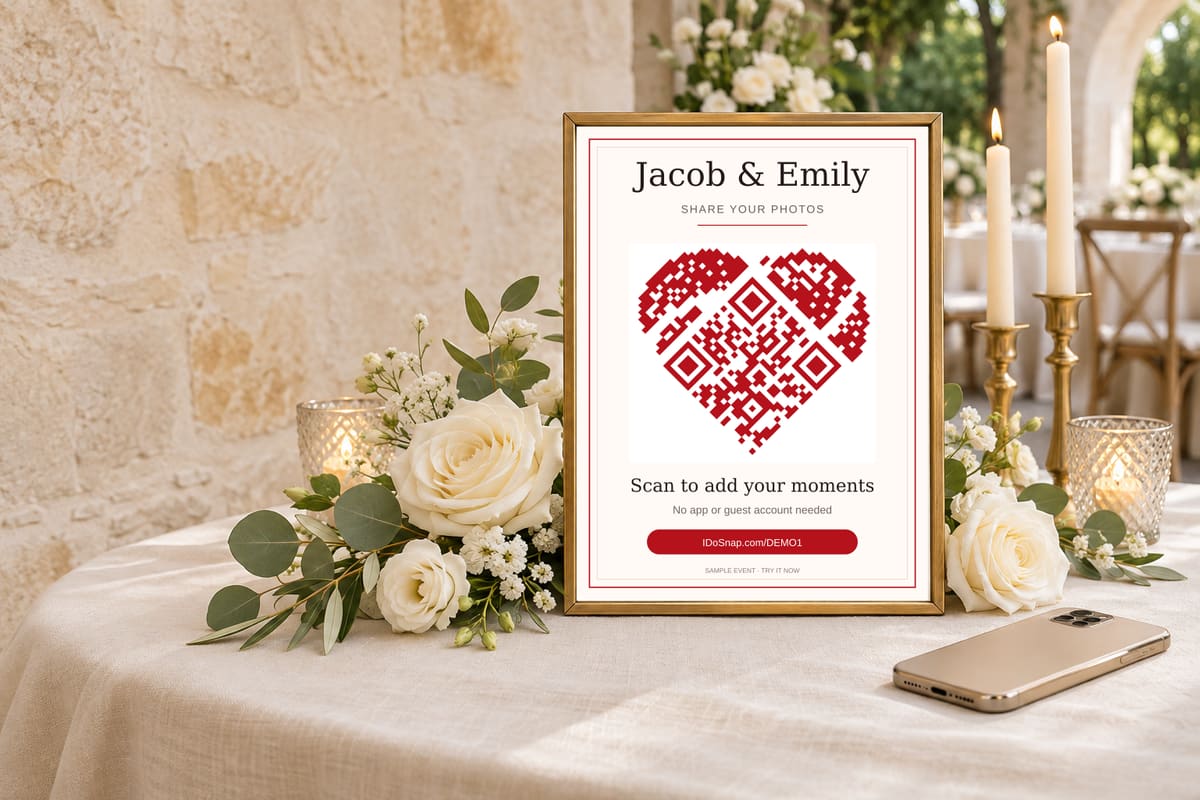
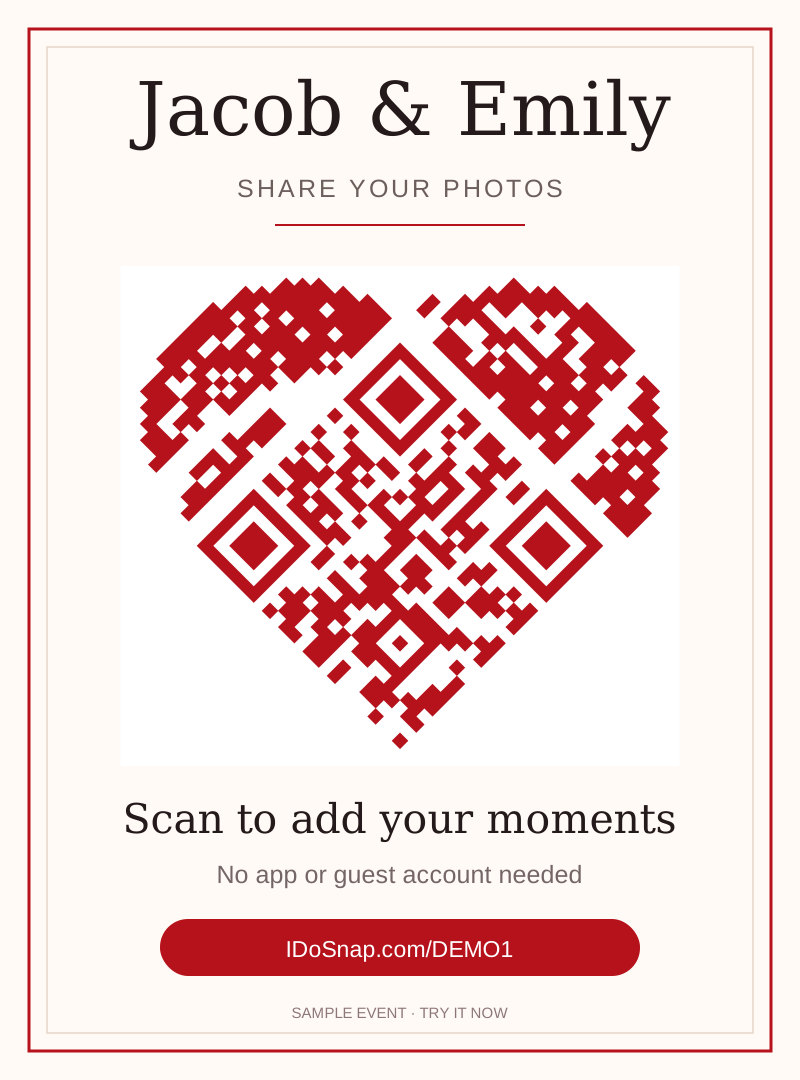
Adding your QR code to a blank template
- Get your QR code as an image from the service you use. (With IDoSnap.com, skip this: your event's "QR & signs" page prints signs with your code already on them.)
- Open a template above and print it at 100% scale, or save it as a PDF.
- Print your QR code at least 1.5 inches (4 cm) square, with its white border, on sticker paper or plain paper.
- Stick or glue it inside the dashed square, and write your short link on the line below.
- Test-scan the finished sign with an iPhone and an Android phone before printing the rest.
How big should a QR code be?
- At least 1.5 inches (4 cm) square for a table card read from arm's length. Bigger for a poster across the room; ours print at about 4½ inches.
- Keep the white border. The blank margin around a QR code (the "quiet zone") is part of the code. Don't crop it or put it against a dark background.
- High contrast. Dark code on a white or very light background. Avoid printing the code in light colors or metallic ink.
Where to put them
- One on every guest table, so nobody has to get up.
- The bar and the guestbook table, where people wait in line.
- A poster at the entrance or next to the seating chart.
- Bathroom mirrors and the photo booth, if you have one.
Make sure it scans on the night
- Test-scan one with an iPhone and an Android phone before printing the rest.
- Test in low light. Receptions are dim. Scan your test print in a dim room.
- Skip glossy lamination under spotlights; glare can stop phones from reading the code. Matte card or a frame with non-glare glass works better.
- Add a short link under the code for guests whose camera won't scan, and say it in your welcome toast.
- Optional: an NFC tap sticker lets guests tap instead of scan.