

Wedding photo sharing made simple
Your wedding.Every guest's photos.One QR code.
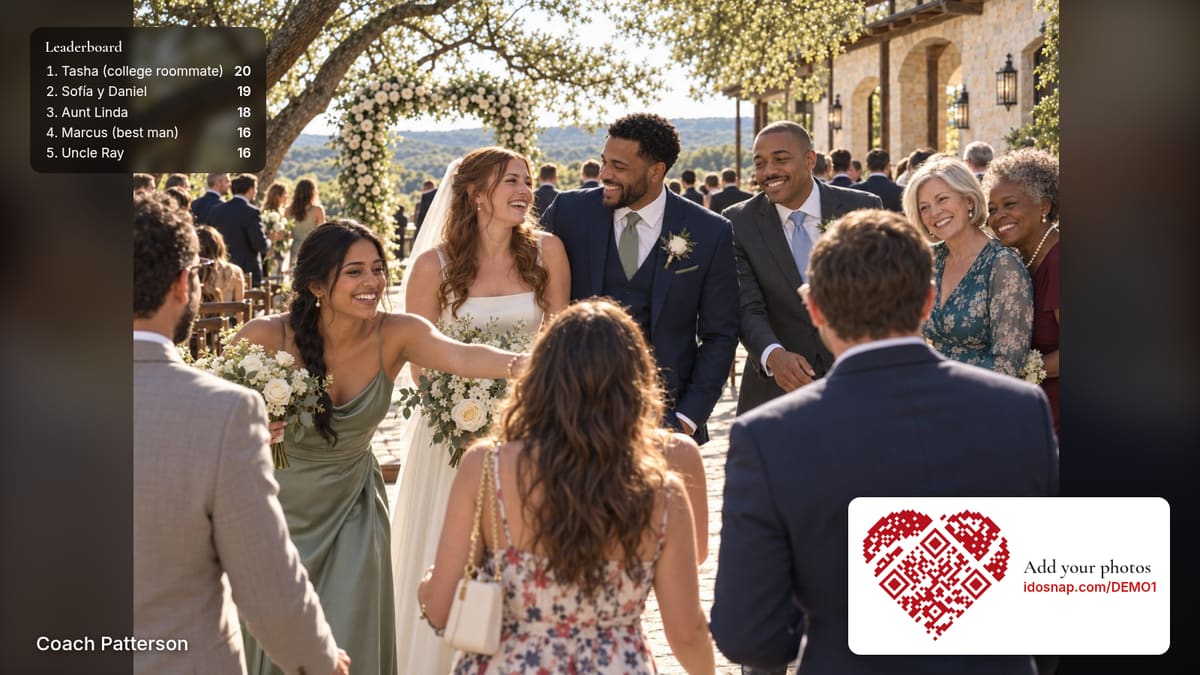
Guests scan one code and add their photos from their own phones, with no app or required account. New photos join a live photo slideshow at the reception, guests tag their favorites, and you download the originals.
Start free · More features on paid plans · No subscription
Early access: signing up needs an invite code for now. Request an invite.
Also great for showers, birthdays, anniversaries and reunions.

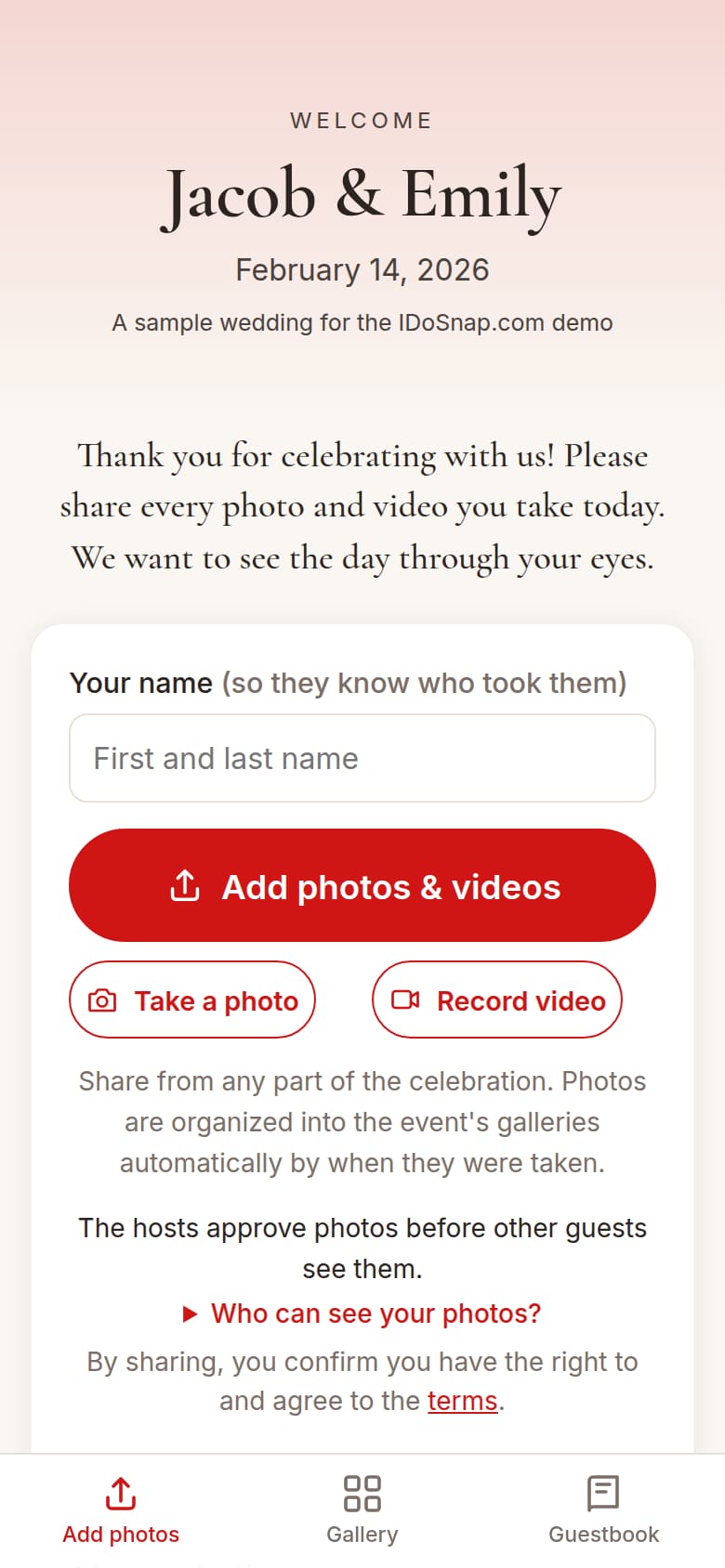
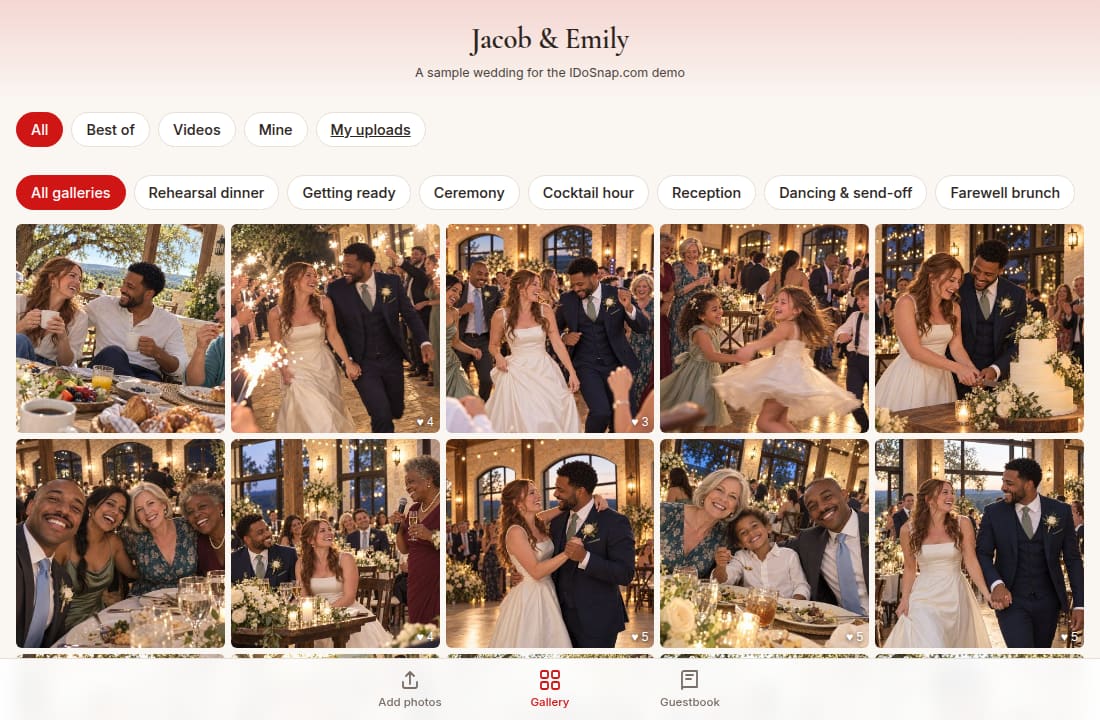
See IDoSnap.com in action
The demo is of the real site with sample photos. Open any part of it.
How it works
- 1
Create your event
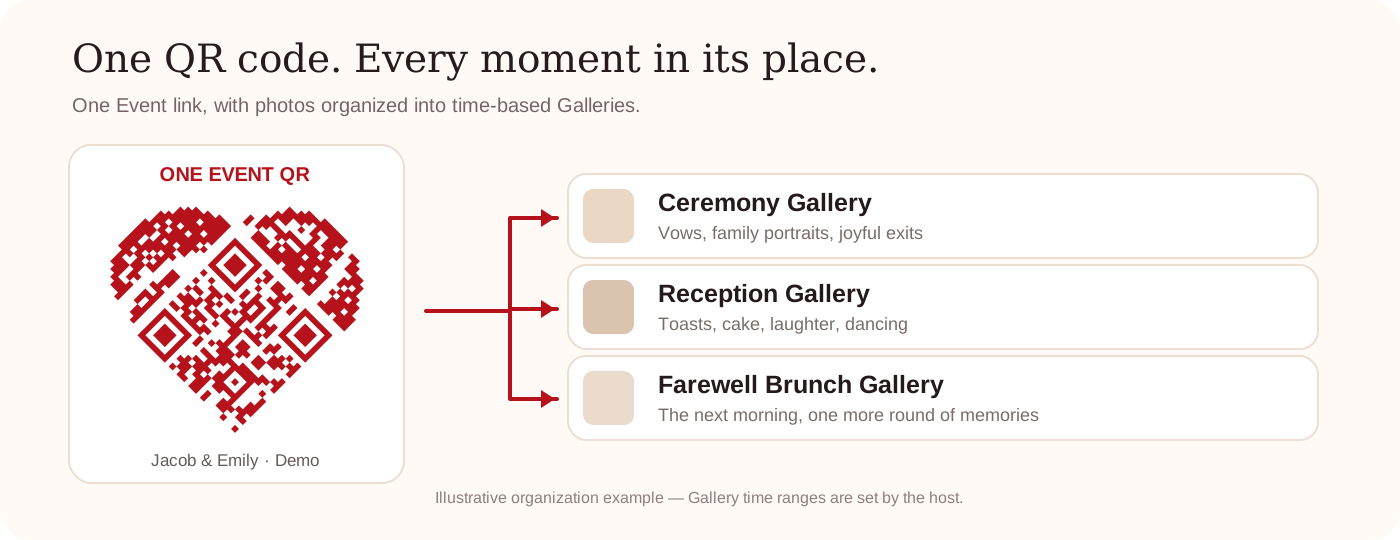
Add galleries for the parts of your wedding, each with a start time. You use one QR code for all of it.
- 2
Guests scan & share
From the phone camera they already use. Photos on every plan, videos on paid plans. No app or account required for guests.
- 3
Watch it live
New photos join the live photo slideshow shortly after they upload (or after you approve them).
- 4
Everyone keeps a copy
Guests save their favorites. You download full-resolution originals.

Built for the night, not the demo
The hard part of guest photos isn't the gallery. It's weak venue Wi-Fi, the guest who's never scanned a code, and hundreds of photos nobody has time to sort.
- Weak venue Wi-Fi? Progressive uploads and retries help alleviate poor Wi-Fi.
- Flexible ways to connect: Scan the QR code, a short link you can say out loud, and additional options on some plans.
- Sorting nobody has to do. Photos land in the right gallery (ceremony, reception, brunch…) by the time they were taken.
- Your copies. Download full-resolution originals, kept for 6 months on Free and at least 1 year on paid events. Even after your plan ends, lower resolution photos stay online indefinitely.
More ways to encourage guests to participate
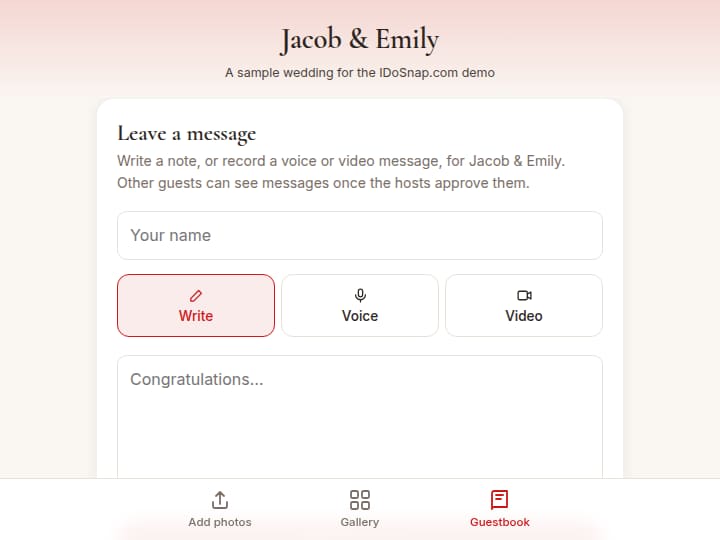
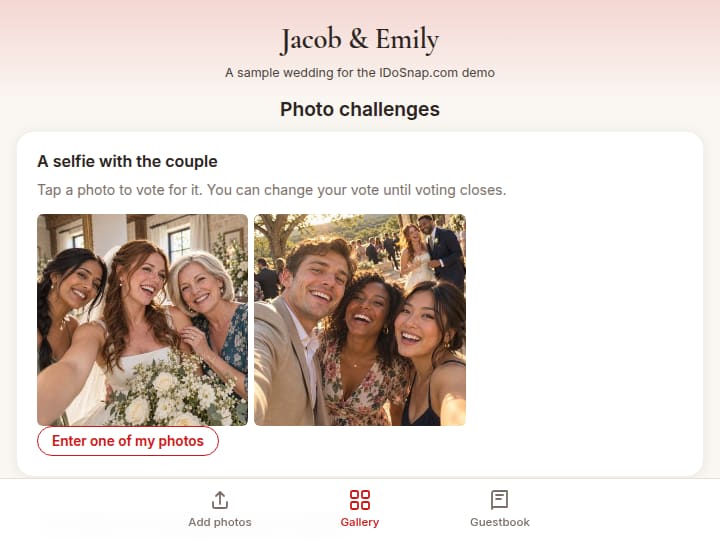


Some features depend on your plan: compare plans · all features
Simple pricing
Up to 200 photos free. One payment unlocks more photos, videos and features for your event.
- One-time purchaseNo subscription, nothing renews
- Unlimited guestsNo per-guest fee
- Refund if it didn't workFor your event, within 30 days after it. Terms
Questions couples ask
Do guests need an app?
No app or account required. Guests scan the code or type the short link, and there's no limit on guests and no per-guest fee.
Who can see the photos?
By default, people with your event link can view the gallery. You can limit guests to their own uploads, approve photos first, or hide anything. Privacy
What if it doesn't work for us?
If IDoSnap.com didn't work for your event, contact us within 30 days after the event date for a full refund of your plan. Refund policy
Who's behind it?
IDoSnap.com started when we couldn't find a good way to gather our guests' photos at our daughter's wedding. Our story · Help & FAQ